Give the words a way through
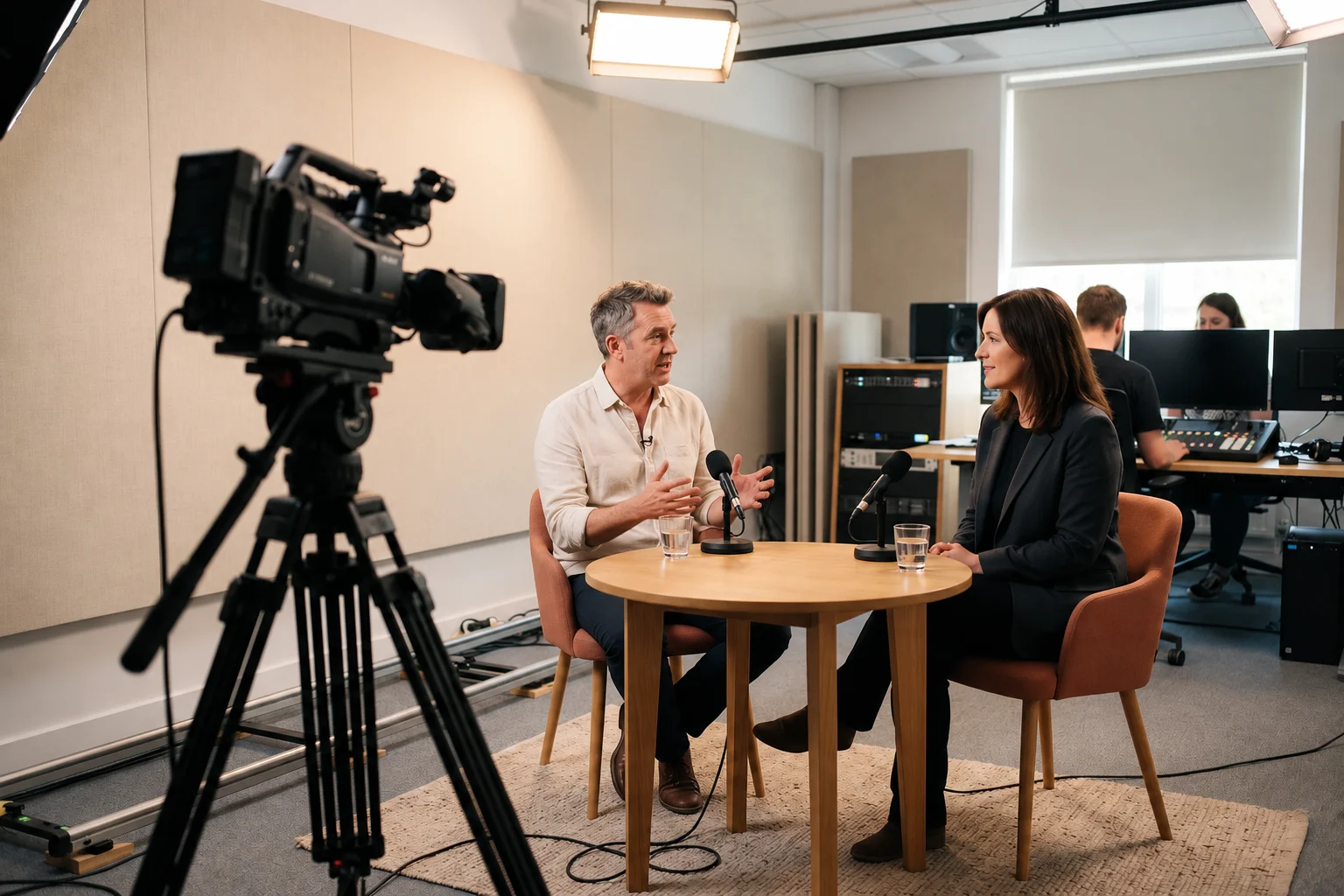
An interview can be beautifully framed and still be difficult to follow. A fan behind the speaker, a rubbing collar or a microphone just beyond useful reach can compete with every sentence. The camera operator may not notice while concentrating on the picture. Somebody needs to listen to what is actually being recorded.
Begin the production plan with the conversation: who is speaking, where they will be and what the audience must hear. This buying guide considers location interviews, portable camera work and studio commentary. It does not report an audience test or claim a measured reaction to equipment. The practical aim is to choose a sound arrangement that lets the viewer follow the story without working around avoidable distractions.
Sketch the recording before shopping
Draw the positions of the people and the camera. Mark any movement during the shot and decide who will check audio levels. A hand-held interview microphone can follow a conversation between two people; a presenter demonstrating something may need both hands. A desk-based contributor needs a different arrangement again, particularly when hearing a programme feed is part of the job.
Try the layout in the intended space before you finalise the kit. Record a short exchange and listen back with headphones. Notice whether the speaker turns away, whether cables pull when the camera moves and whether background machinery makes some positions unusable. Finding a quieter corner or adjusting microphone placement can be more useful than replacing the entire system.
- Identify every speaker and how they will move during the shot.
- Decide who holds, wears or positions each microphone.
- Allow time for a rehearsal and playback through headphones.
- Check the whole path from the microphone to the recorded file.
Make wireless fit the camera rig
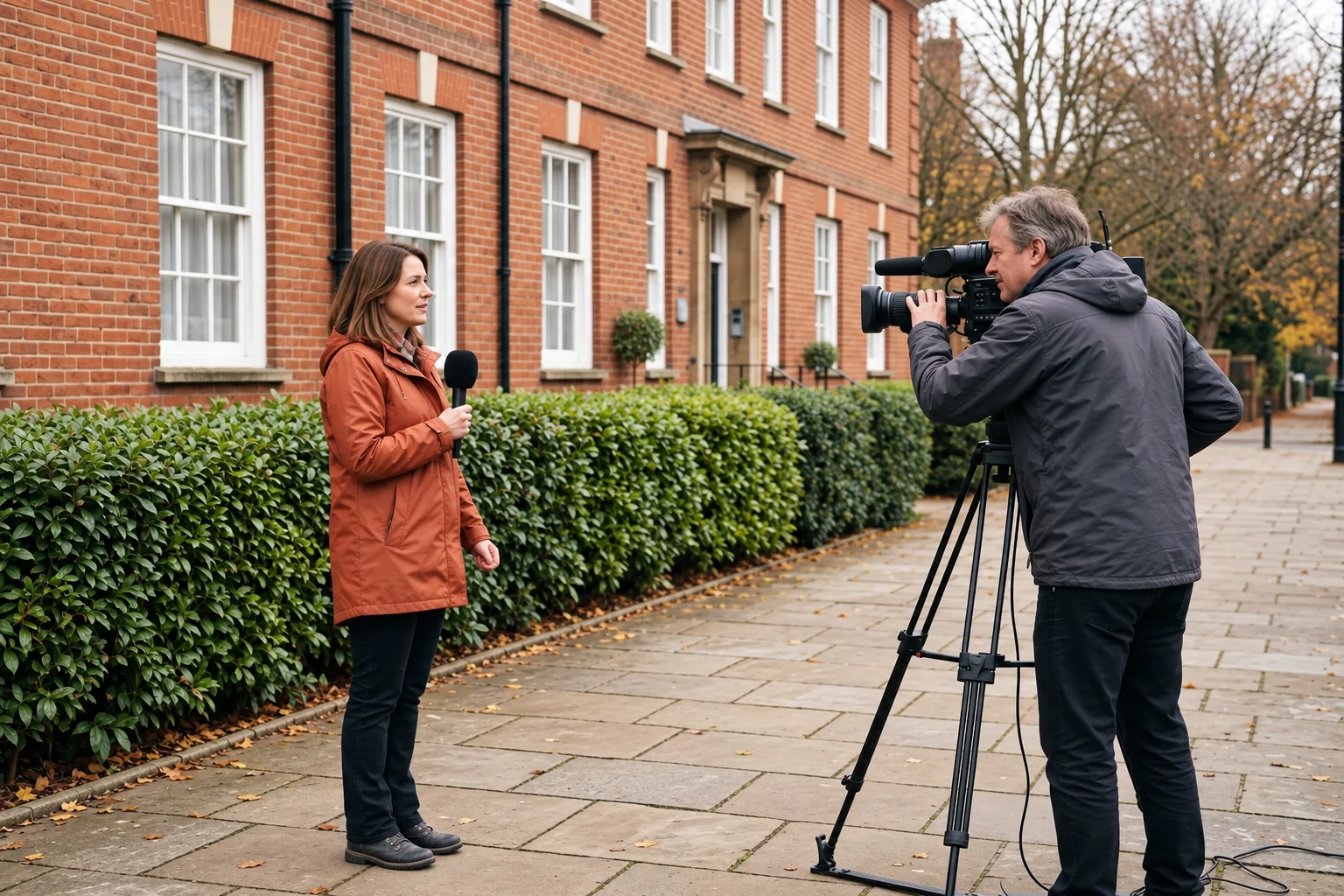
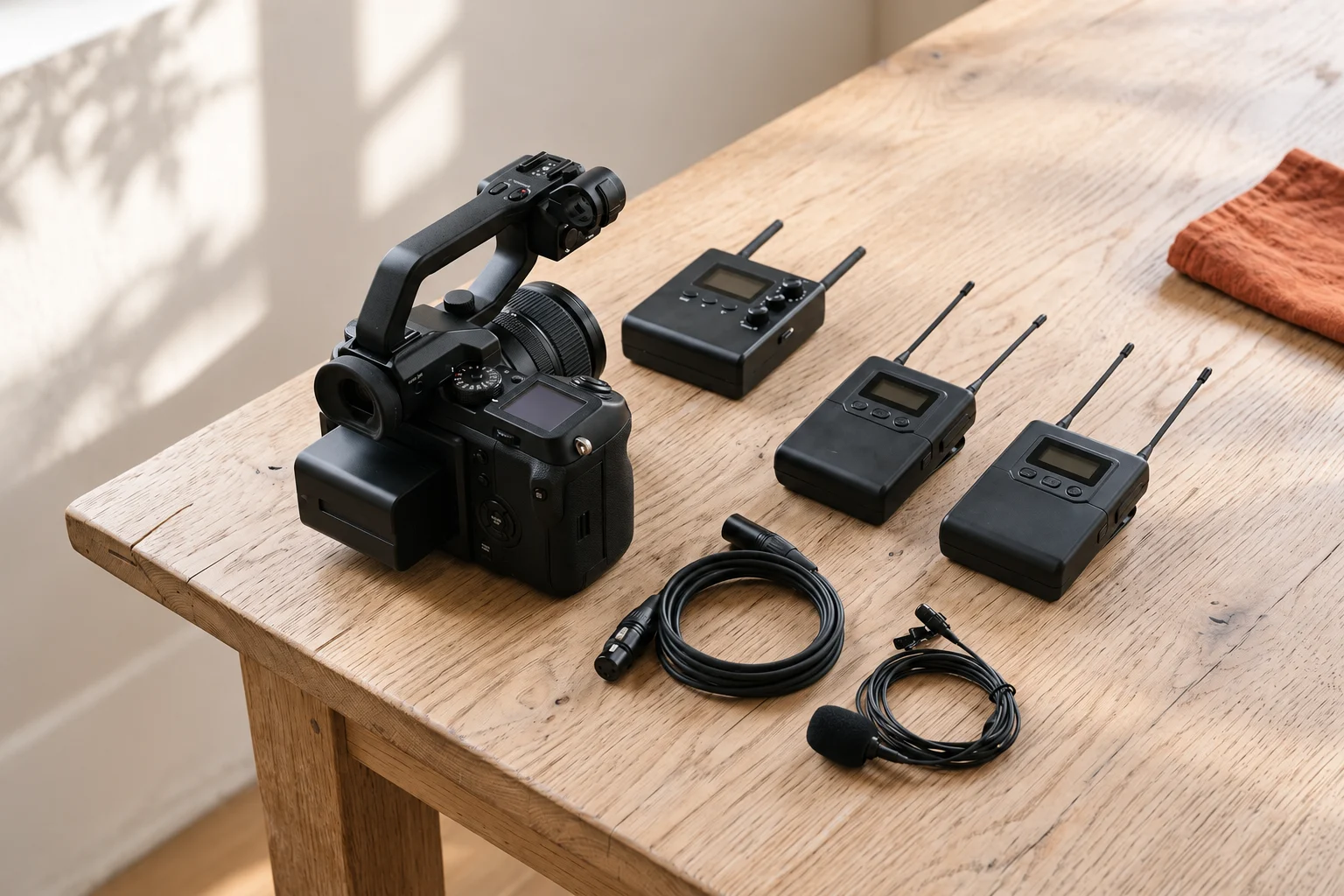
A radio system removes one physical cable between the speaker and the camera, but it adds equipment that needs mounting, power and attention. Work out where the transmitter will sit, where the receiver attaches and whether the camera operator can still reach the controls. Check that the connection does not obstruct a rotating screen or an essential socket.
Sennheiser describes EW-DP as a digital UHF wireless audio family for filmmaking. That is a relevant category for a portable video setup, but it is not evidence that an arbitrary set will connect to your camera. Compare the exact receiver, microphone and frequency version being offered rather than relying on the family name.
Request the complete contents list and the correct cable for your recorder or camera input. Prepare batteries or the specified power arrangement, then test recording and monitoring together. Practise changing settings before a paid job or a time-limited interview. Equipment that the operator can check quickly is more useful on location than unfamiliar features left at their defaults.
Check the frequency before the shoot
UK availability does not make every wireless product licence-exempt. Ofcom distinguishes equipment that can operate without a licence under its conditions from shared and coordinated licensed use. Establish the exact frequency range of the unit you are buying, then check the current requirements for the way you plan to use it.
Ofcom’s UHF UK Wireless Microphone Licence provides shared access to Channel 38, covering 606.500–613.500 MHz, on a non-protected basis. Coordinated licensing follows a different process for specified locations and dates. Neither the product name nor a supplier’s general description settles which arrangement applies to an individual production.
Contact the venue’s sound team before arriving with radio equipment. They may already have microphones, monitors and other systems operating nearby. Record the agreed arrangement with the production notes and keep a suitable alternative in mind if interference occurs. For several simultaneous channels or an important live event, specialist audio support can be a more sensible use of the budget than another unplanned purchase.
Choose a headset for the whole session
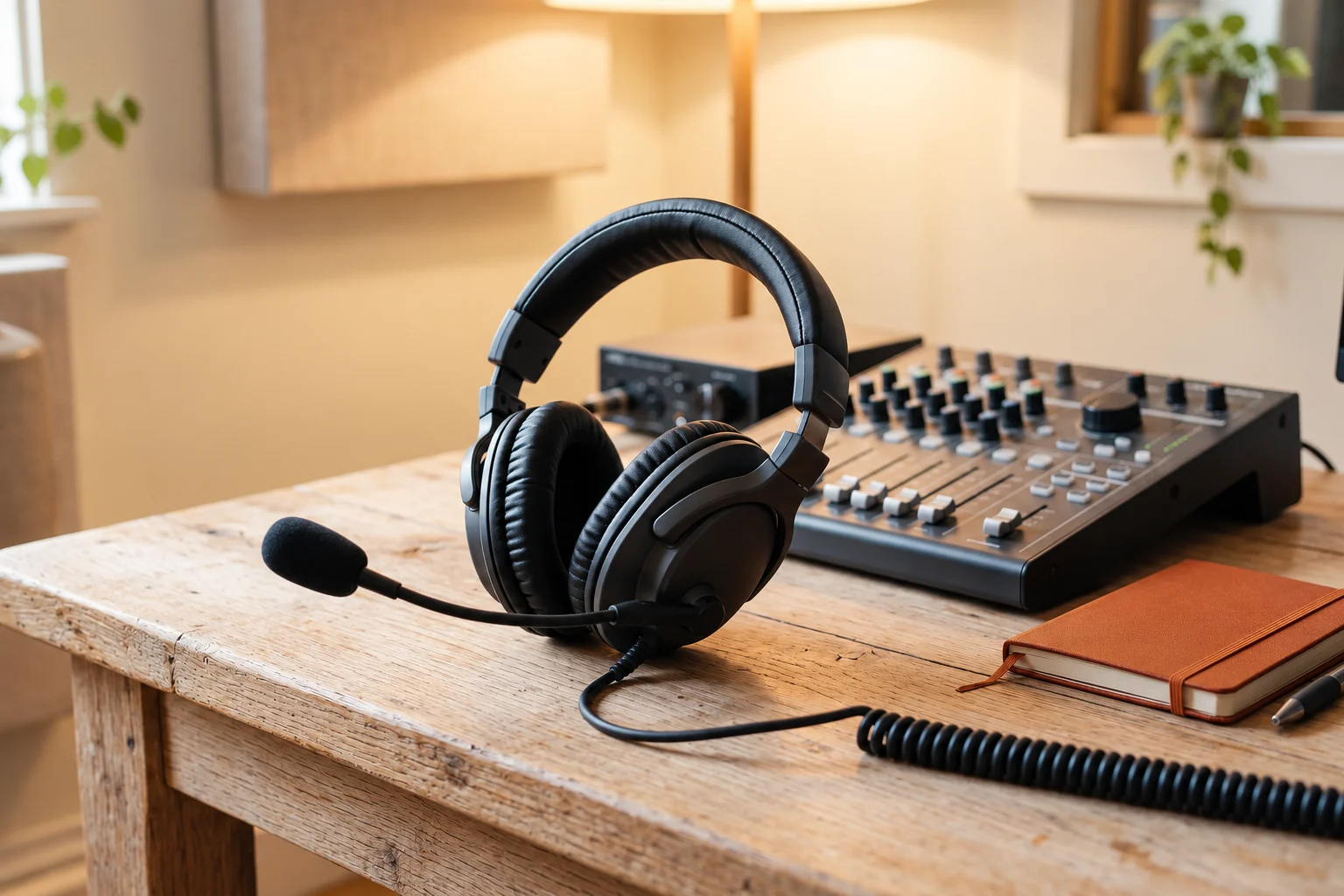
At a commentary desk, hearing the programme and contributing to it happen at the same time. A headset can keep the microphone in a consistent position while leaving the contributor’s hands available for notes. Fit matters over an hour, not just during the few seconds it takes to try the headset on. Consider glasses, head movement and the room’s noise level.
The HMD 27 is Sennheiser’s closed, around-the-ear broadcast headset with a dynamic microphone. The manufacturer lists ActiveGard limiting technology and specifies that the cable is not supplied with the headset. Confirm the cable and connector against the desk or intercom before treating the advertised headset price as the cost of a working installation.
Be precise about the model suffix. The HMD, HME and HMDC variants do not all have identical microphone and noise-management features. Send the existing desk or intercom model to the supplier and ask for the matching configuration. At the rehearsal, check what the wearer hears as well as what goes out to the recording.
Compare complete, usable packages
Put every required component on the same list before comparing prices. Include the microphone, receiver and transmitter if needed, suitable power, mounting, wind protection and the correct connection. An apparently cheaper offer may leave out one indispensable item; an expensive bundle may add accessories that never leave the bag.
Ownership is not the only option for occasional work. A hire supplier can quote for the specific production and identify missing components. If you expect to use the kit regularly, plan how it will be stored, transported and checked between jobs. Label cables and keep a record of the working setup so the next crew member does not have to reconstruct it from scratch.
| Part of the setup | Question for the supplier |
|---|---|
| Recording device | Which input, cable and monitoring arrangement work with this exact model? |
| Radio equipment | Which frequency version is supplied, and what must be checked with Ofcom and the venue? |
| Package contents | Which microphone, mounts, power accessories and cables are included? |
| Final quotation | What is the total including required extras, VAT and delivery? |
Turn the next job into a clear brief
Before opening a catalogue, write five details: location, number of speakers, movement, recording device and expected duration. Add any venue restrictions or equipment already owned. That brief gives a supplier a concrete compatibility problem to solve and helps you reject features that will not improve the production you are actually making.
The Sennheiser UK broadcast catalogue is a route to the current range and product information. It is not a bundled offer from this publisher, and availability or a particular result is not guaranteed. Use the product pages to refine the shortlist, then confirm the configuration and complete price. Finish with a rehearsal and listen to the recorded output before the audience does.
Questions & answers
Is a camera included in the audio range discussed here?
This article uses camera production as a setting for choosing sound equipment. The linked Sennheiser catalogue concerns broadcast audio; check camera or recorder compatibility separately for the exact microphone setup.
Does buying a wireless microphone in Britain settle its licensing requirements?
No. The frequency variant and intended operation determine what must be checked. Consult current Ofcom information and agree the setup with the venue before transmitting.
What extra item does the HMD 27 need?
Sennheiser lists the HMD 27 without a cable. Select the cable and connector for the receiving desk, recorder or intercom, and check the entire arrangement with the supplier.
Sources & context
This commercial guide draws on the provider and official sources below. Check the linked pages for current terms. It is not personalised advice or an account of our own product testing.