Take the location into the buying decision
A camera that gives a pleasing picture beside a bright window can struggle to show a face under trees after sunset. At a football ground, the same kit may frame the presenter comfortably but leave a player as a tiny shape at the far end of the pitch. In a television studio, there may be plenty of lights and no permission to record.
Those are three different obstacles, and a longer specification sheet does not remove them. Think about where the subject will stand, how much light reaches them and what the audience needs to see. Then follow the signal from camera to streaming service. Lighting, lens choice, audio, power and the connection all contribute to a usable broadcast. The Sony ZV-E10 II can be assessed sensibly only as part of that whole arrangement.
After dark: put light on the faces
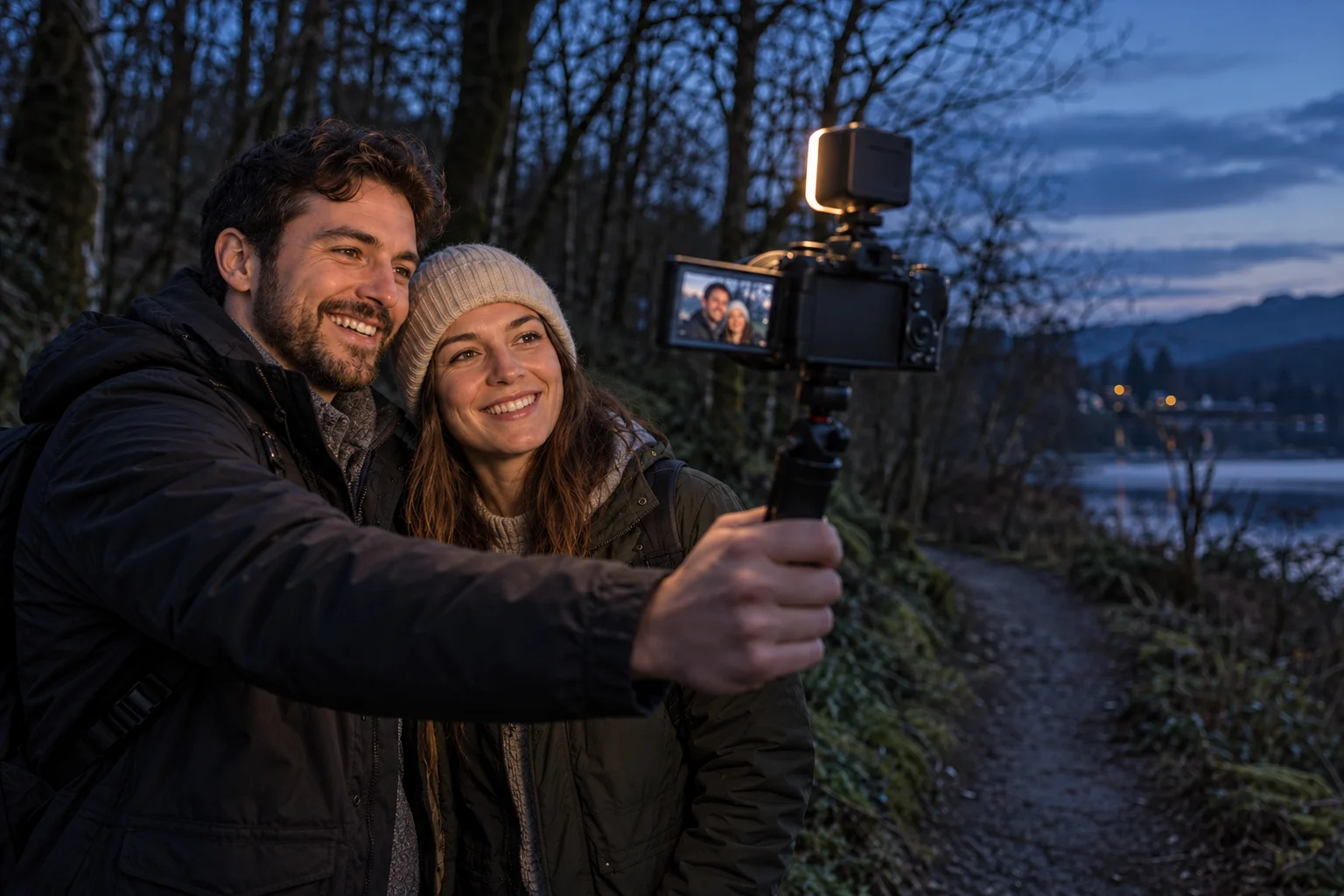
For a woodland scene, imagine two creators stopping on a path to speak to the camera as daylight fades. The background may still look attractive while the trees leave their faces in shadow. Raising sensitivity can brighten the image, but it can also make noise more visible. Bring a small diffused light and test its position before the session. Check both faces rather than assuming a single lamp illuminates them equally.
The ZV-E10 II uses an APS-C sensor and accepts Sony E-mount lenses, giving scope to choose a lens for the situation. Its kit zoom is the E PZ 16–50 mm F3.5–5.6 OSS II. Those specifications do not turn the camera into a night-vision device. At the longer end, the maximum aperture is smaller, so recheck exposure after zooming.
A lens with a wider maximum aperture may be an option, but price it separately and consider framing and focus as well as brightness. Start with a stationary rehearsal: inspect a short recording, listen for wind and check the camera support. Keep the walking route visible and the lighting arrangement manageable for everyone carrying equipment. A safely lit, simple shot is a better starting point than attempting a complicated moving stream in darkness.
At the match: choose the subject
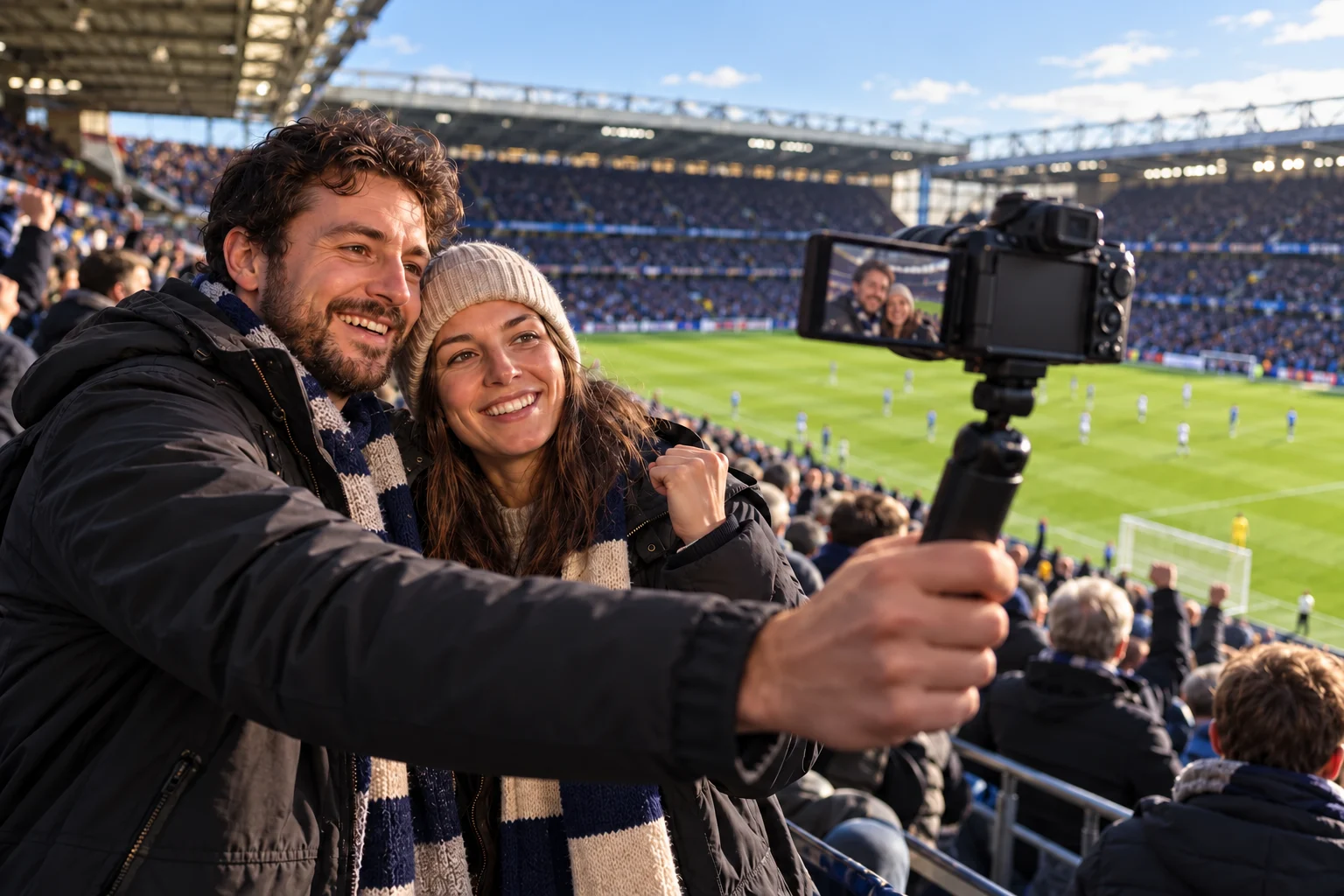
If the story is two supporters discussing the atmosphere, a relatively wide view of their faces and the ground behind them may be exactly right. If viewers need to follow a player across the far touchline, the framing requirement changes. A 16–50 mm kit zoom cannot be assumed to fill the frame with distant action. Investigate a suitable longer lens and a stable position, including the extra cost and weight.
The sound and connection deserve a rehearsal too. A camera close to the presenter may still pick up a great deal of crowd noise, and a mobile connection that works outside an empty stadium may behave differently during an event. Where recording is allowed, check speech and upload performance from the position you will use. Have a plan for an interrupted connection rather than promising a continuous feed.
Obtain the relevant venue and event permissions before arranging a live transmission. Admission does not necessarily include recording or broadcasting rights, and equipment restrictions can affect what you may bring inside. The correct answer may be a permitted pre-match clip or a recording made elsewhere. A camera purchase cannot resolve the event organiser’s rules.
In the studio: agree the limits first
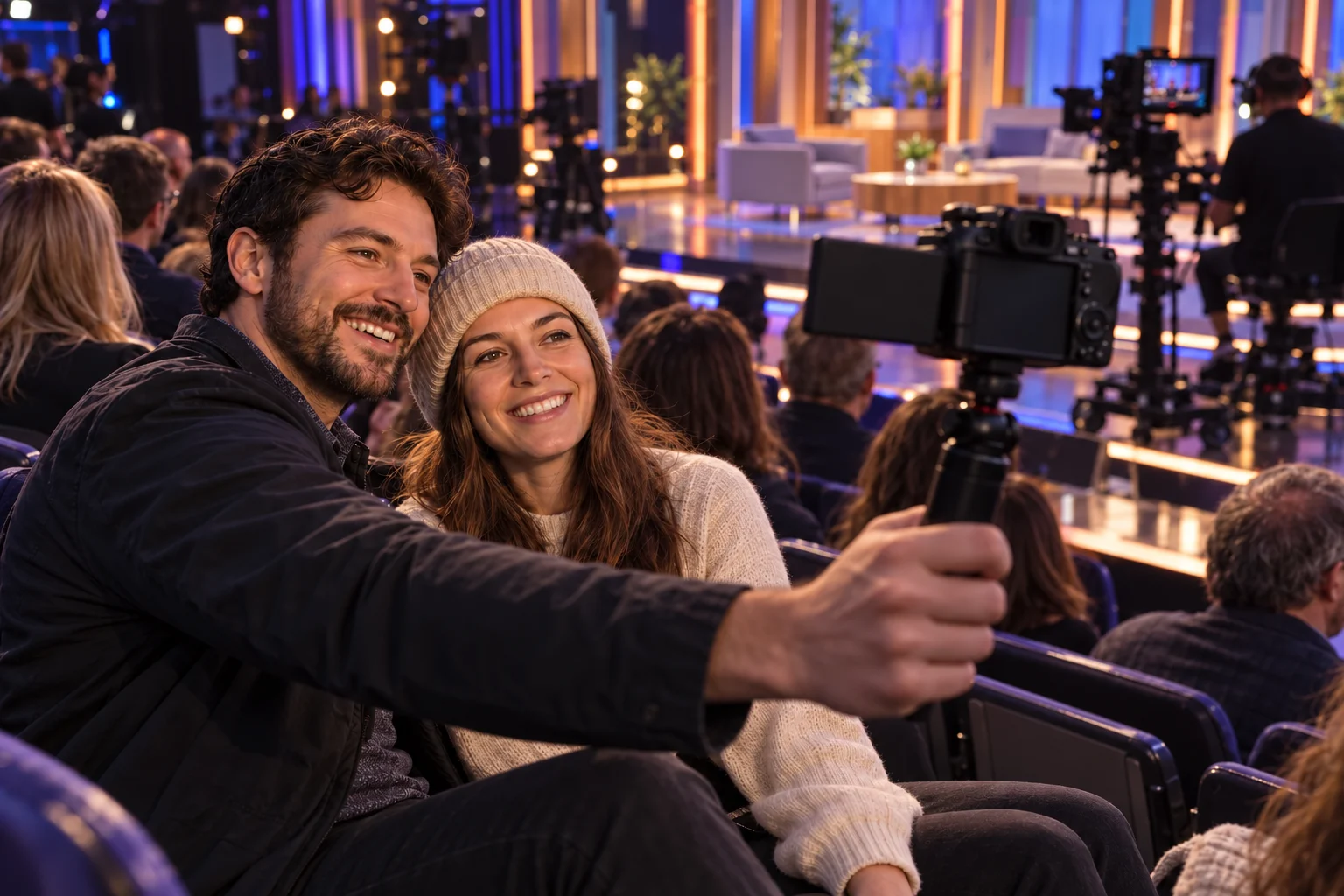
An invitation to sit in a programme audience is not an invitation to create your own live feed. Ask the production team whether any recording is allowed, where it may happen and when it may be published. A short clip in a designated area before the programme could be treated differently from filming the set or other audience members. Make the arrangement clear before taking the camera out.
If permission is given, assess the light at the actual seat or filming position. Bright stage lighting may leave the audience much darker. A screen that can face the presenter helps with composition, while focus still needs checking as people lean towards the lens or turn to the set. Avoid assuming that a brightly lit room gives an evenly lit face.
Keep the setup within the production team’s instructions. Added lamps, microphones, stands or a bright screen may distract the audience or interfere with the show. Plan a short, simple shot and stop when asked. In this setting, knowing when and where to record matters more than using every feature the camera offers.
Check the connection as well as the lens
Jessops lists a UK ZV-E10 II kit with the 16–50 mm power zoom lens. Sony’s specifications include microphone and headphone connections, a movable screen and USB streaming. These provide useful building blocks for a close-range production. They do not supply the light, long lens, venue permission or network connection that another situation may require.
Sony’s USB guidance specifies a compatible SuperSpeed USB 5 Gbps computer connection and cable for 1080p or 4K streaming. With a USB 2.0 connection, output is limited to 720p even if a higher resolution is selected. The support page also describes network streaming through Creators’ App. Confirm the supported workflow for the device and service you plan to use, rather than buying a cable because its connectors physically fit.
Run a rehearsal of the expected length with the intended power supply and streaming application. Check the picture arriving at the receiving end, not only the camera display. Add the necessary accessories to the budget before comparing this kit with alternatives.
- For a close presenter shot, verify framing and intelligible speech.
- For an evening location, test the actual light and lens together.
- For distant action, assess reach, support and permitted equipment.
- For a live feed, rehearse the full camera-to-service connection.
Shop for one real shoot
Write down the next production you expect to make: the location, subject distance, available light, session length and streaming device. Put a cost beside each missing item. A kit that appears affordable on its own may need a microphone, a light or a different lens before it can handle that job. Conversely, a simple indoor conversation may need far less equipment than an ambitious location setup.
The Jessops link leads to the specified Sony camera-and-lens listing. Use it to check the current contents, stock, price and delivery terms before making a purchase. The images accompanying this guide are illustrative scenes, not recordings captured with the camera. Judge suitability using the documented capabilities, your complete setup and a practical rehearsal.
Questions & answers
Can I rely on the kit lens alone after sunset?
Only a test in the available light can answer that. Plan lighting for the presenters, then check exposure and focus with the intended lens. A camera setting cannot replace light that is not reaching the subject.
Is the supplied zoom enough to follow players across a pitch?
It is better suited to wider context and closer subjects than tight views of distant players. Assess a compatible longer lens and support if distant action is essential, and check what the venue permits.
Does an invitation to a studio let me livestream from my seat?
No permission should be assumed. Ask the production team about recording, live transmission, equipment and publication timing, and keep any agreed clip within those limits.
Sources & context
This commercial guide draws on the provider and official sources below. Check the linked pages for current terms. It is not personalised advice or an account of our own product testing.